Google storage full?
Your photos on your PC. With the dates and places that matter.
Full app: Windows · One payment. No subscription.
1 / 3Google storage full?
Keep a copy on your PC to hold on to the memories.

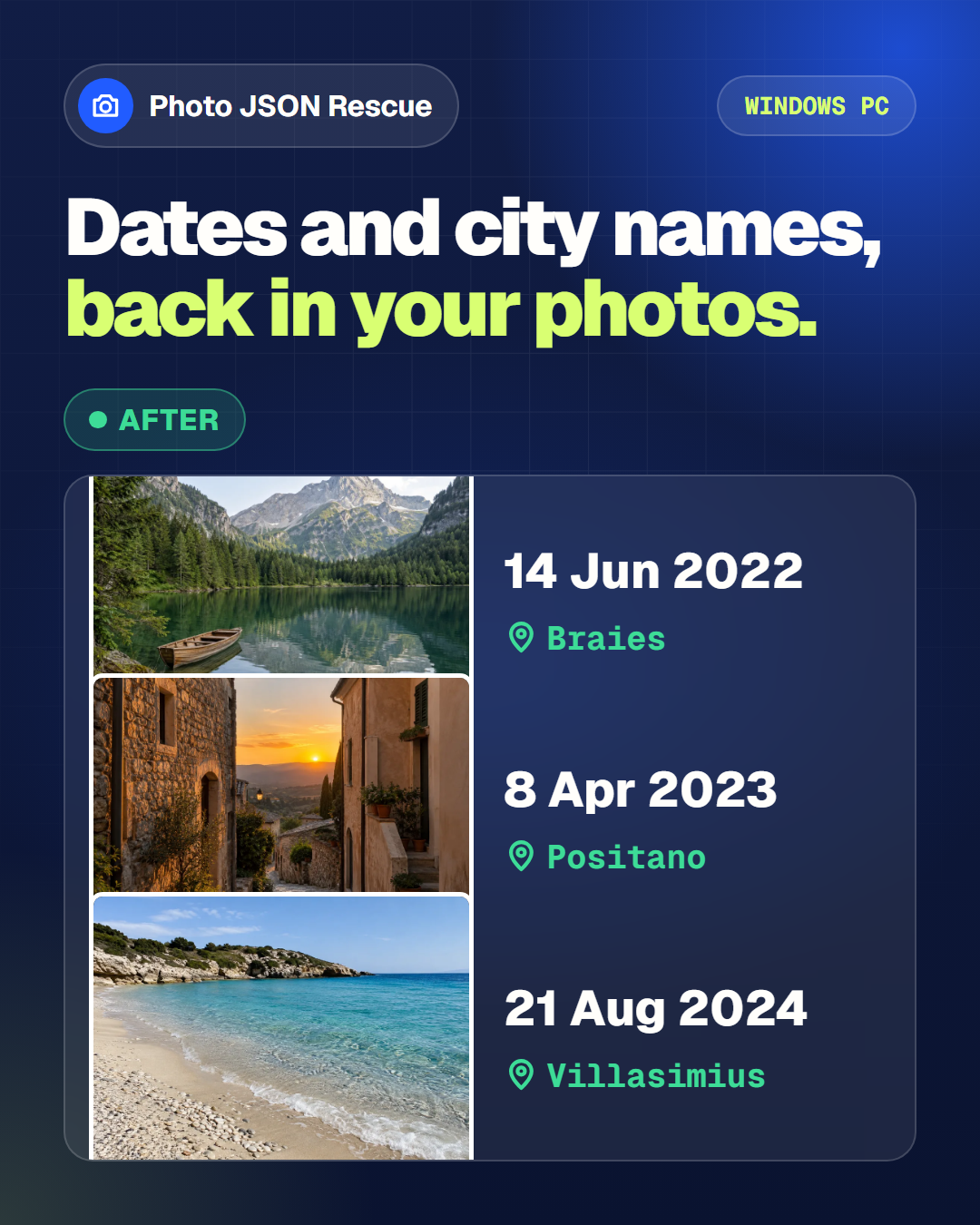
Dates and places, if available.
July 18, 2023PositanoIllustrative example · Photo JSON Rescue for Windows
Dates you can find again. Places worth remembering.
The same photo, with available details alongside it.
Full app: Windows · One payment. No subscription.
3 / 3Secure card payment
Get the Windows app
One payment. No subscription.
Try with 10 photos
Example
A photo. Its date. Its place.
Example JPEGPositano.jpgThe example runs in this browser. Your files are never uploaded.
Your photos stay on your device. See available dates and places. You can add the information downloaded from Google Photos.
Try your photos. Then restore your library.
Open a browser preview
Choose up to 10 JPEG, PNG or WebP photos. Add matching photo information files if you have them.
See your gallery
See your photos with dates and cities. Search for a place or filter by date, right here.
Restore the full collection
Get the Windows app to process your Google Takeout library in batches.
FAQ · Photo JSON Rescue
Do I need the Google Takeout photo information files?
They are optional for the browser preview. The Windows app uses matching photo information files to restore dates and GPS when available.
Does the free preview rewrite my photos?
No. It shows the gallery directly on this page, without downloading files or changing your original photos.
Can it restore every date and place?
Only information present in your files can be used. Missing metadata cannot be recreated.
What happens to my originals?
Your original files stay untouched. The app works locally and does not delete photos from Google.