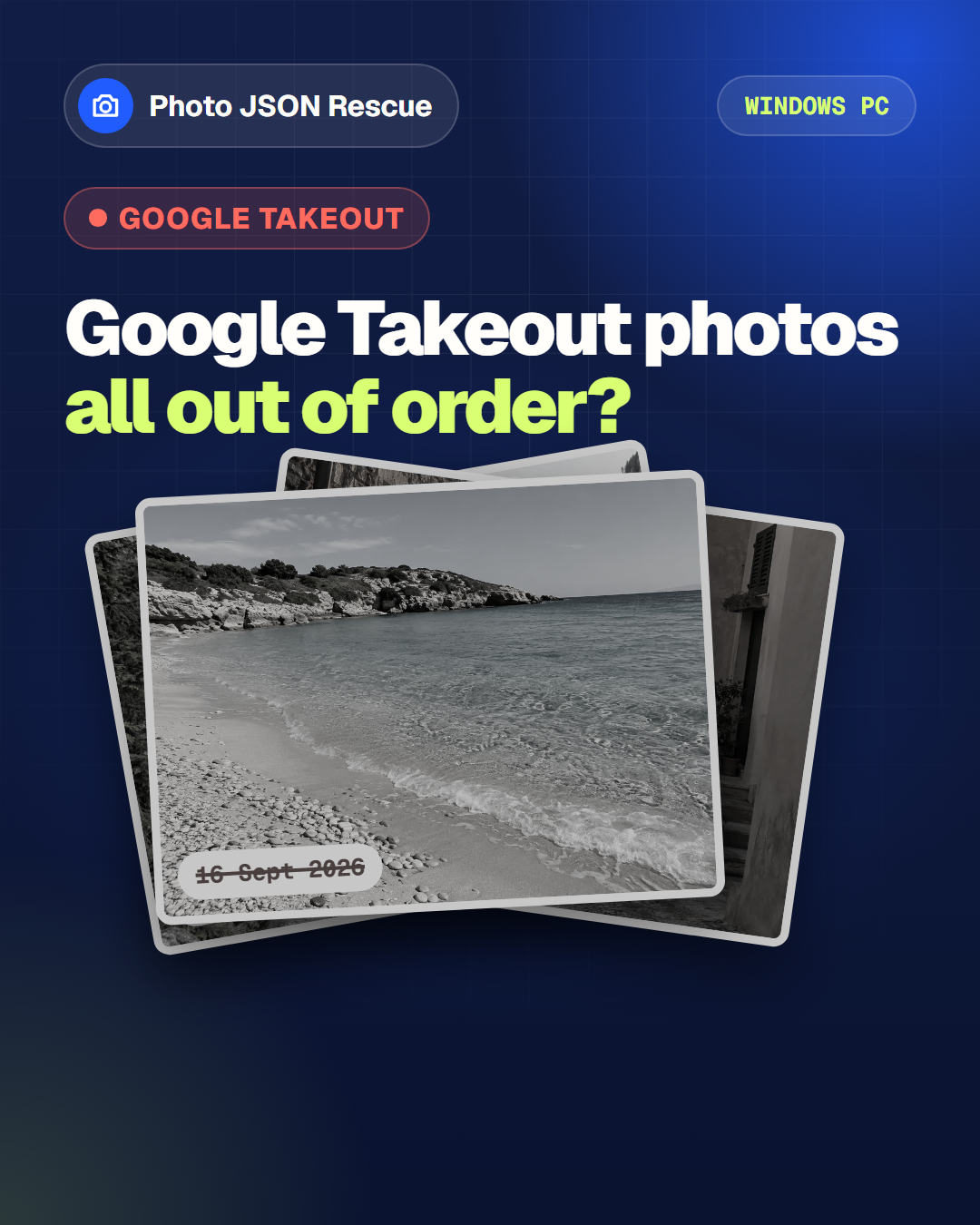
Google Takeout metadata fixer for Windows

Fix Google Takeout photo dates and locations on Windows.

Export Google Photos before clearing cloud storage, reconnect each file with its Takeout metadata, and create a clean local gallery while the original folders remain untouched.

  • No photo uploads
  • Two-photo safety test
  • No subscription
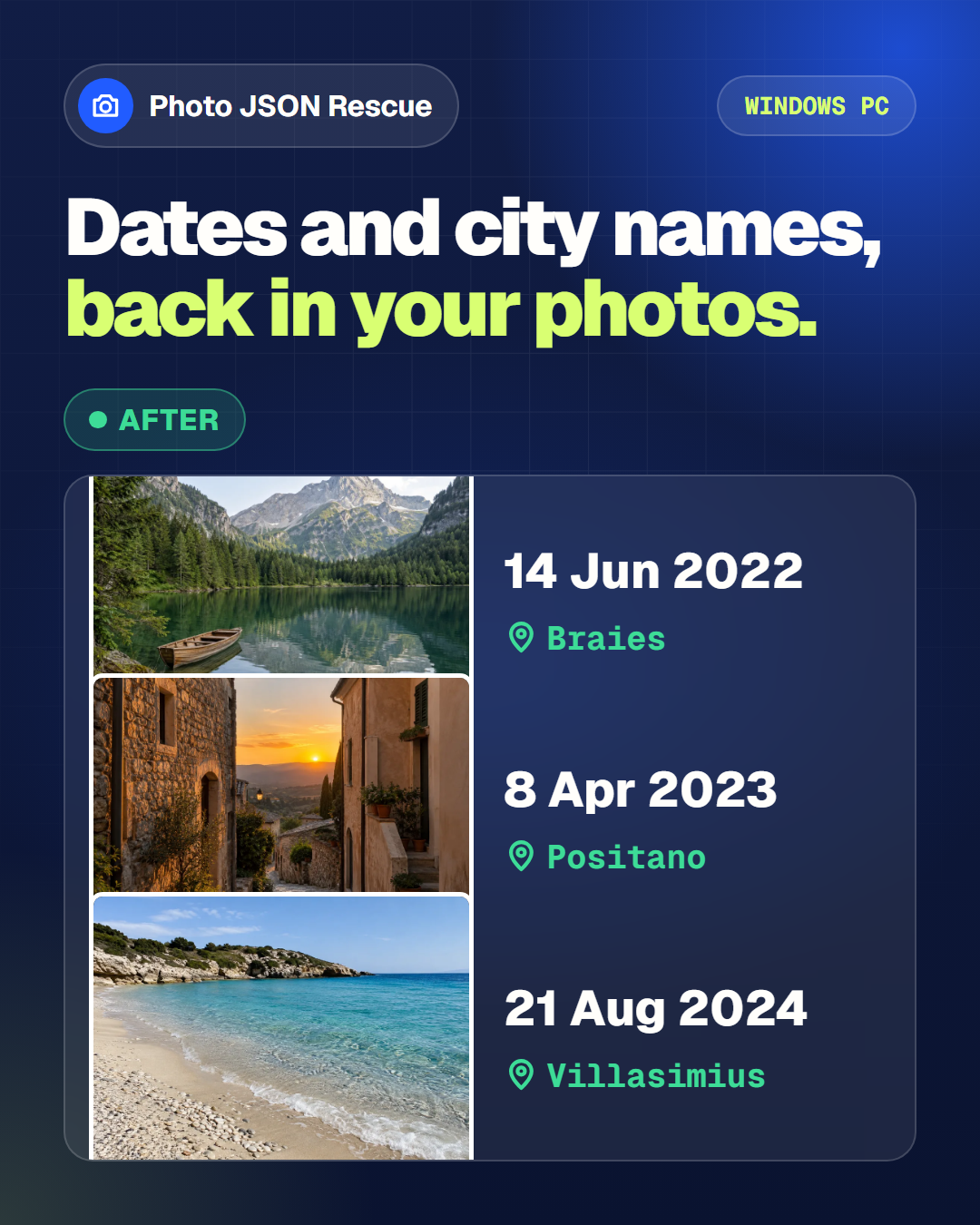
Photo JSON metadata flowing back into a travel photograph
Dates, GPS and nearby places restored locally on your PC.

Local by design. Photos never leave your PC.

Measured first. Audit before changes.

One clear price. €9.99, no subscription.

How it works

From disconnected files to a usable photo library.

Point the tool at the main Takeout folder. It finds matching media and JSON sidecars, verifies a tiny sample, then builds the clean full library only when you choose to continue.

  1. 01

    Choose your folder

    Select the extracted Google Photos Takeout folder on your Windows PC.

  2. 02

    Audit and test two

    Review the match count and validate two photos before the full run.

  3. 03

    Create the clean library

    Copy unique media with restored metadata and leave the JSON sidecars out.

The complete route

From Google Photos export to a library you can actually use.

  1. Google PhotosSelect Google Photos in the official Takeout export
  2. Download TakeoutExtract the ZIP files on Windows
  3. Photo JSON RescueMatch, test, restore and deduplicate
  4. Clean photo libraryNamed media plus a local HTML gallery

Follow Google’s official export guide and download every archive part. Verify the clean local library and a separate backup before deleting any cloud copy.

Independent workflow. Google Photos and Google Takeout are referenced in plain text; Photo JSON Rescue is not affiliated with Google.

See the release workflow

Three visible steps, followed by a local photo gallery.

Choose the Takeout folder, validate two real photos, then create the clean library. The companion gallery uses the same metadata and opens locally in your browser.

Windows release-candidate interface
Photo JSON Rescue interface with choose folder, test two photos and restore metadata controls
Three explicit steps Original folders stay in place
Local multilingual gallery
Dark local photo gallery with language switch, search, grouping, sorting, place captions and photo grid
25 interface languages Date, city and region
Illustrative local cleanup workflow
Illustration of loose photos and JSON sidecars being organised locally into a chronological gallery on a Windows laptop
Reconnect metadata with the matching media Concept image — processing remains on the PC
Photos and videosNo JSON in the clean folderOne local gallery HTML

Built for messy exports

Useful fixes, without a new photo-management problem.

Match intelligence

Pairs photos with the JSON files Google exported beside them.

Handles common Takeout naming variations and reports sidecars it cannot match, so exceptions stay visible.

Original dates

Restores capture timestamps and useful file dates where metadata exists.

GPS and nearby places

Writes coordinates and resolves place names with offline geographic data.

Safer bulk work

See the inventory first. Test two files. Then decide.

The staged workflow makes the scale and exceptions clear before a separate clean library is created.

Broad Takeout coverage

Made for the formats found in real Google Photos archives.

Common photos, camera originals and video containers are included. Metadata support varies by format, and the audit identifies files that need attention.

Photos

JPG · JPEG · PNG · GIF · WEBP · HEIC · HEIF · TIFF

Camera originals

DNG · NEF · CR2 · CR3 · ARW · RAF · RW2 · ORF · PEF · SRW

Videos

MP4 · MOV · M4V · 3GP · 3G2

Useful primary sources

Export first. Keep the originals. Verify the result.

Google Photos can use Google Account storage. These official guides explain how to export your data and manage storage. Photo JSON Rescue helps turn the downloaded Takeout archive into a usable local library; exporting alone does not delete cloud copies, and the software never deletes them for you.

Private by architecture

Your family archive is not our dataset.

The desktop tool processes photos, JSON and GPS coordinates locally. It does not upload your archive for matching or send coordinates to a website. Offline place lookup avoids one web request per photo and keeps location history on your machine.

  • No photo cloud upload
  • No account needed to process files
  • No advertising or analytics cookies at launch

Simple launch price

Rescue the archive. Keep the software and gallery.

Initial configuration and installation assistance, including a one-user Windows licence for computers you control. No subscription and no per-photo charge.

  • Audit mode and two-photo test
  • Local date, GPS, city and region restoration
  • Clean output folder without JSON sidecars
  • Multilingual local HTML gallery
  • Initial configuration and installation support

One-time license

9.99EUR · taxes handled at checkout where applicableBuy securely with Stripe — €9.99Cards and eligible local payment methods are handled securely by Stripe.

Questions, answered

Before you touch a large photo archive.

Can this help me free space in my Google Account?

Yes. First use Google Takeout to export Google Photos, download every archive part, and keep a separate backup. Photo JSON Rescue then creates a clean local library with restored metadata and a gallery. It never deletes anything from Google; only after you have verified the local result should you decide whether to remove cloud copies using Google’s own storage tools.

Why are my Google Takeout photo dates wrong?

Google Takeout can export a photo and its capture information as separate files. If another app imports only the photo, it may use the download or file date instead of the original capture date. Photo JSON Rescue pairs the media with its matching JSON sidecar, restores useful metadata and builds a clean output library.

Are my photos uploaded anywhere?

No. Photo matching, metadata writing and place lookup run locally on your Windows PC. Your photos and GPS coordinates are not sent to AVSOF or to an online geocoding service.

Does it rename or move my originals?

No. Your extracted Takeout folders stay in place. The final workflow creates a separate clean library, removes duplicate copies from that output, leaves JSON sidecars behind and gives copied media useful date, city and region names. It starts with a two-photo safety test.

Which Windows versions are supported?

The first release is designed for modern 64-bit Windows PCs. Exact supported versions and any prerequisites are shown on the download page for the release you buy.

What happens when a JSON file has no usable date?

The tool reports unmatched or incomplete items instead of inventing metadata. Where a unique output name is required by the selected workflow, it uses a collision-safe identifier.

What happens to the JSON sidecar files?

They remain in the original Takeout folders as evidence and backup, but they are not copied into the clean destination library. The useful date, GPS and place information is restored to the copied media when the format supports it.

Does the local gallery need an internet connection?

No. The gallery is one HTML file stored beside the clean photo library. It reads the local media, supports 25 interface languages and does not upload the photos or location history.

Does it scan every Google Takeout subfolder?

Yes. You select the main extracted Takeout folder and the desktop app searches its nested folders for supported media and matching JSON sidecars. The audit shows what it found before the full copy begins.

How are city and region names found without sending GPS data online?

Photo JSON Rescue includes an offline geographic database. When usable coordinates exist, the app looks up a nearby city, region and country on your PC, then writes supported fields and uses the place in the copied filename.

Does it remove duplicate photos?

It prevents duplicate media copies from being added to the new clean library and reports what it skipped. It does not delete duplicate files from the original Takeout folders.

Which photo and video formats are supported?

The release covers common Takeout photos, camera originals and videos, including JPG, PNG, WEBP, HEIC, TIFF, DNG, NEF, CR2, CR3, ARW, MP4, MOV and M4V. The exact metadata fields that can be written vary by format.

What is included in the €9.99 licence?

The one-time price covers initial configuration and installation assistance, a one-user licence for the purchased Windows release, the offline place database, the local multilingual gallery and reasonable support for that release. It has no subscription or per-photo fee; future major versions may be sold separately.

What should I do before processing an irreplaceable archive?

Keep a separate backup, use the built-in inventory and two-photo test, review the destination, and confirm that enough disk space is available. The app works on a new copy, but no software should be the only protection for valuable photos.

How do download, support and refunds work?

After payment, the confirmation screen and order email explain how to download the Windows package and request configuration or installation help. For delivery problems, support or any statutory remedy, contact info@avsof.com with the order email and Stripe transaction reference. Mandatory consumer rights remain unaffected.

Is this an official Google product?

No. Photo JSON Rescue is an independent AVSOF product. It is not affiliated with, sponsored by or endorsed by Google. Google Takeout is a trademark of Google LLC.

A cleaner archive starts here

Make the next import remember when — and where — life happened.

Get Photo JSON Rescue